
Codeproof Security for Samsung6.061918 - Get APK
You'll be able to download in few seconds.
Publisher Description
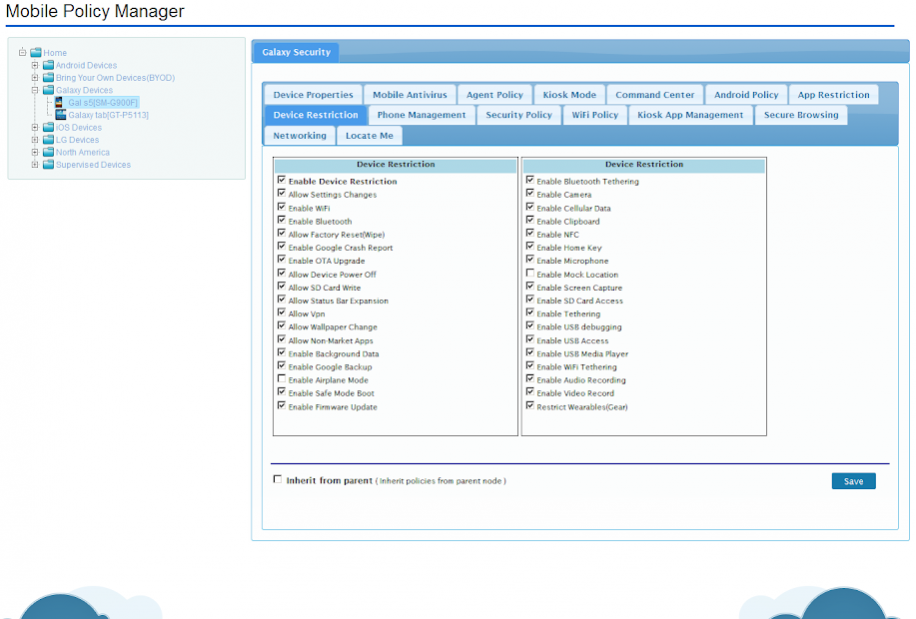
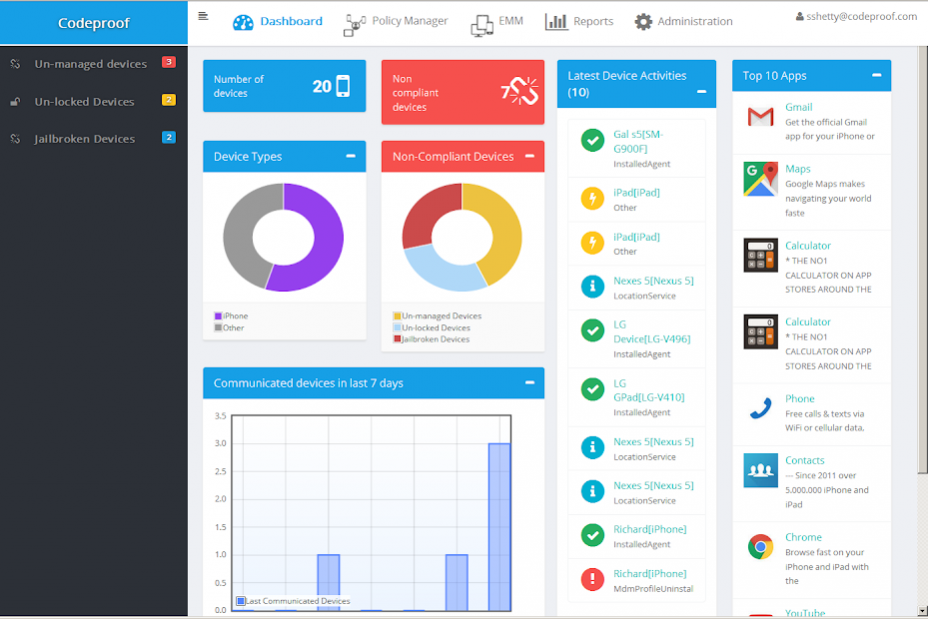
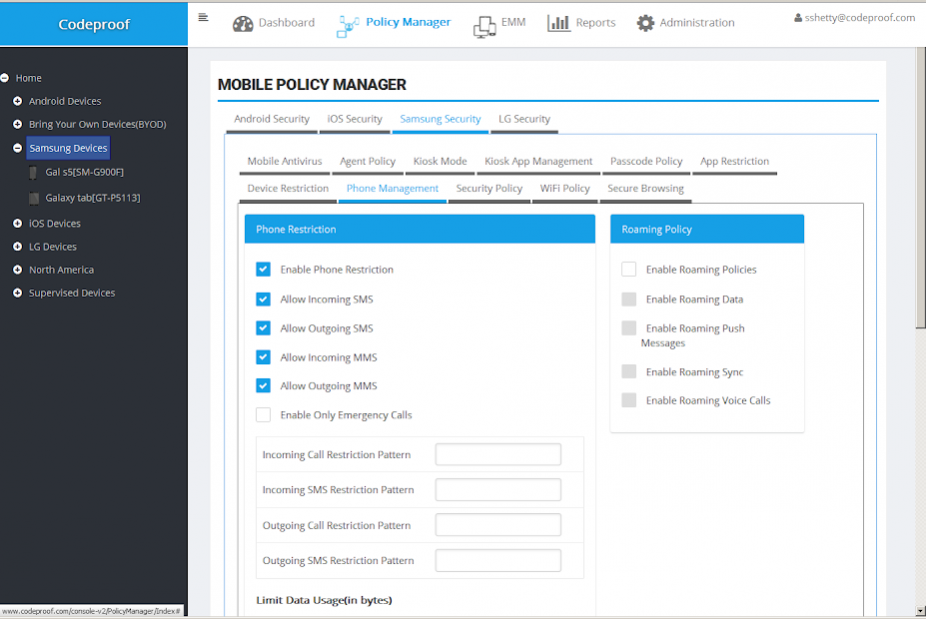
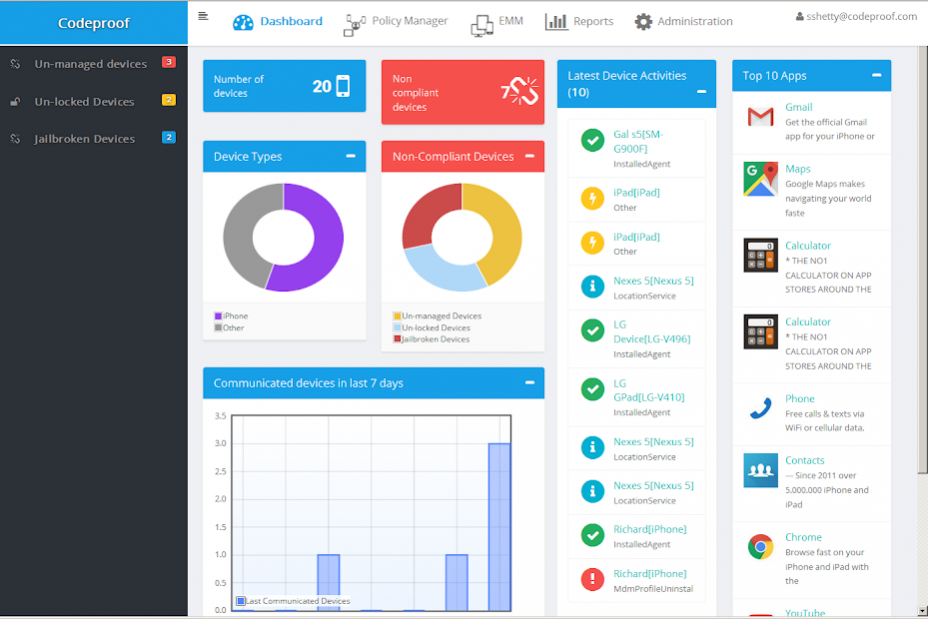
Codeproof Enterprise Mobile Security App for Samsung Devices. In order to use this app, Customer must signup with Codeproof platform at http://www.codeproof.com
Supports following features:
1. App Management - Silent Application Installation, Uninstallation and Reporting
2. Configuration Management - Remotely configure WiFi, Email and VPN services.
3. Mobile Kiosk Management - Disable Notification bar, Status bar, Split Screen and run a single app in the device. Customize kiosk screen with branding and company logo.
4. Application Whitelisting/Blacklisting - Allow only Admin specified app in all the enrolled devices. Centrally management allow/block list from the cloud.
5. Advanced MDM tools : Remotely locate missing device, lock device, data wipe and jailbreak rooting detection.
6. Secure Browsing : Admin controlled web access. Centrally manage allow/block rules for web browsing.
7. Inventory Management - Device inventory reports, application inventory reports and more.
8. Security Management - Central Dashboard, Security compliance Report and Admin alerts.
9. Cloud powered - The entire platform runs on a cloud. Solution is highly scalable, reliable and secured.
Uninstall Instructions:
------------------------------
To remove Codeproof from the device, Please follow these instructions: https://www.codeproof.com/blog/how-to-remove-codeproof/
NOTE: This app uses the Device Administrator permission.
About Codeproof Security for Samsung
The company that develops Codeproof Security for Samsung is Codeproof Technologies Inc. The latest version released by its developer is 6.061918.
To install Codeproof Security for Samsung on your Android device, just click the green Continue To App button above to start the installation process. The app is listed on our website since 2018-06-20 and was downloaded 0 times. We have already checked if the download link is safe, however for your own protection we recommend that you scan the downloaded app with your antivirus. Your antivirus may detect the Codeproof Security for Samsung as malware as malware if the download link to com.codeproof.samsung.security is broken.
How to install Codeproof Security for Samsung on your Android device:
- Click on the Continue To App button on our website. This will redirect you to Google Play.
- Once the Codeproof Security for Samsung is shown in the Google Play listing of your Android device, you can start its download and installation. Tap on the Install button located below the search bar and to the right of the app icon.
- A pop-up window with the permissions required by Codeproof Security for Samsung will be shown. Click on Accept to continue the process.
- Codeproof Security for Samsung will be downloaded onto your device, displaying a progress. Once the download completes, the installation will start and you'll get a notification after the installation is finished.
Program Details
System requirements
Download information
Pricing
Version History
version 6.061918
posted on 2018-06-20
- resolved the aws upload progaurd issue
- other minor improvements
version 5.011217
posted on 2017-01-12
- Screen record command implementation,- Other minor improvements
version 4.102516
posted on 2016-10-25
- Fixed the passcode lock timeout issue,- Added change passcode and remove passcode commands
Disclaimer
External Download
We do not host Codeproof Security for Samsung on our servers. We did not scan it for viruses, adware, spyware or other type of malware. This app is hosted by Galad and passed their terms and conditions to be listed there. We recommend caution when installing it.
The APK Download link for Codeproof Security for Samsung is provided to you by apps112.com without any warranties, representations or guarantees of any kind, so access it at your own risk.
If you have questions regarding this particular app contact the publisher directly. For questions about the functionalities of apps112.com contact us.
